Your own home server – Banana Pi
linux,hardware,homelab,self-hostedThis is a historical record of my home server setup from 2015. It served reliably for several years before I migrated to a Raspberry Pi 5 in 2026. See how it evolved: Raspberry Pi 5: Migration to NVMe and service containerization.
In 2015, single-board computers were becoming a practical option for a low-power always-on home server. The Raspberry Pi 2 was the obvious choice, but the Banana Pi offered something the Pi couldn't: a SATA port. For a server that would store media files and run backups, a real hard drive was a non-negotiable advantage over SD card storage.
Hardware
The Banana Pi is built around the Allwinner A20 SoC — a dual-core ARM Cortex-A7 running at 1 GHz. Key specs that made it the right choice:
- CPU: Allwinner A20, 2× 1 GHz (Cortex-A7)
- RAM: 1 GB DDR3
- Gigabit Ethernet (vs 100 Mbit on the RPi 2)
- SATA port — the deciding factor. A SATA HDD is faster, more reliable, and orders of magnitude larger than any SD card
The setup: Banana Pi in a case, 2.5" SATA drive for storage, a 4 GB USB stick for backups.
What it ran
Running Bananian — a Banana Pi-specific Debian distribution (note: discontinued in 2016, superseded by Armbian) — the server handled:
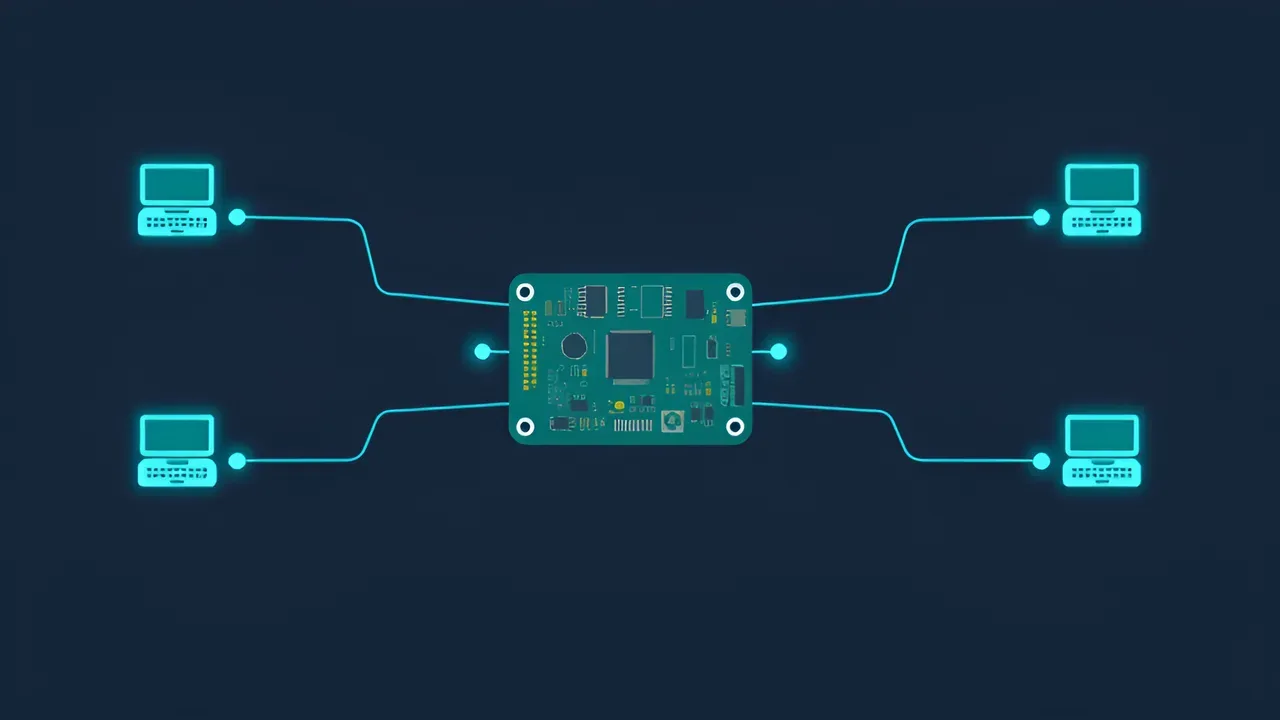
- Media server (minidlna — stream music and video to TV over DLNA without booting a full PC)
- SSH (headless remote management from anywhere)
- VPN (OpenVPN — safe use of public Wi-Fi, access to the home network remotely)
- VNC (TightVNC — graphical session when needed, e.g. for jDownloader)
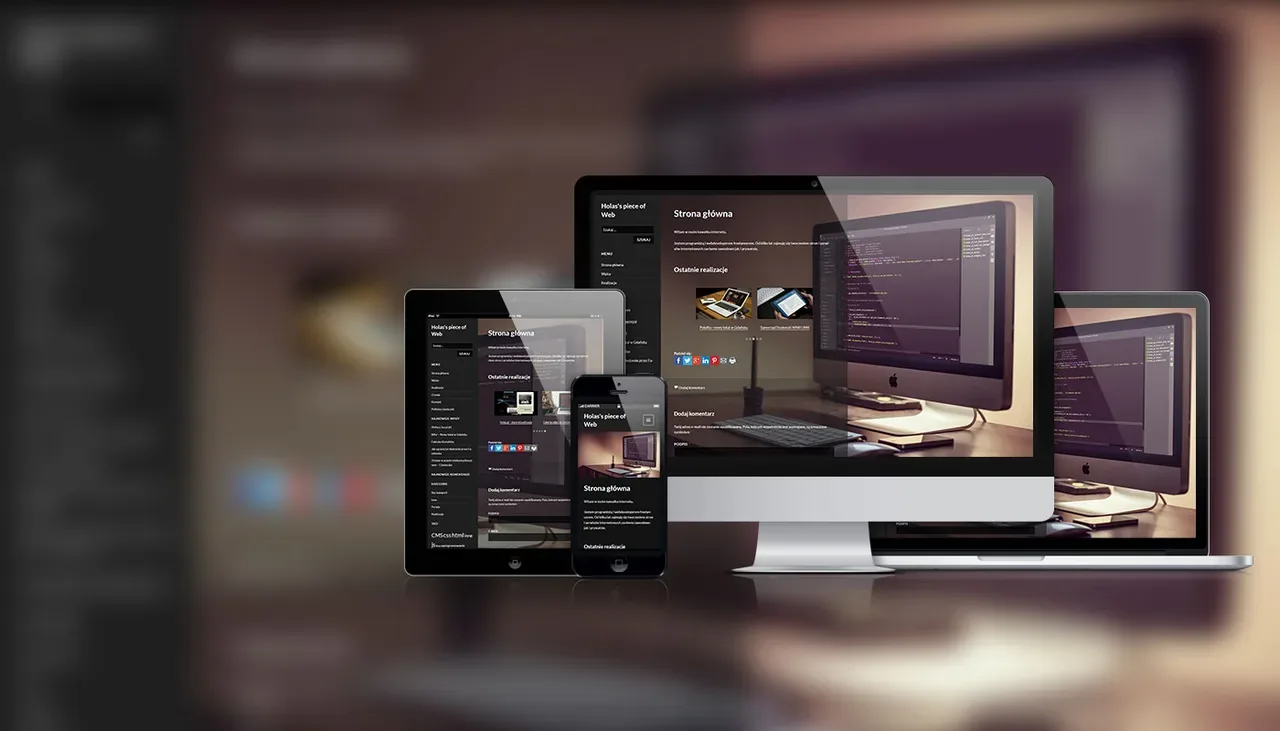
- Web server (LAMP stack — this site ran on it, plus a few personal projects)
- Backups (bash scripts on cron, no extra tooling)
- Downloads (aria2 and curl for command-line; jDownloader in graphical mode when needed)
In practice
Everything ran fast, reliably, and stable around the clock. The real benefit was power consumption: the Banana Pi draws around 4–8 W under typical load. Spinning up an old Core 2 Duo desktop (65 W TDP, plus the rest of the system) just to listen to music made no sense. An hour on the old machine equalled a full day on the Banana Pi.
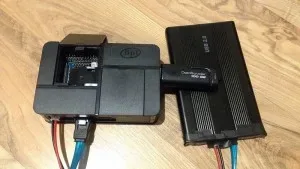 Banana Pi in its case with a SATA drive and an old 4 GB USB stick for backups.
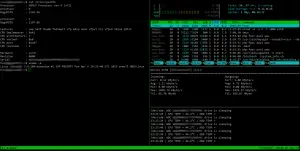 Banana Pi from the admin console side.
If you have basic Linux admin skills and want a low-power always-on server, the Debian ecosystem gives you everything you need.
This setup eventually reached its limits. In 2026 I replaced it with a Raspberry Pi 5 with NVMe storage and full Docker containerization. Read about it: Raspberry Pi 5: Migration to NVMe and service containerization.